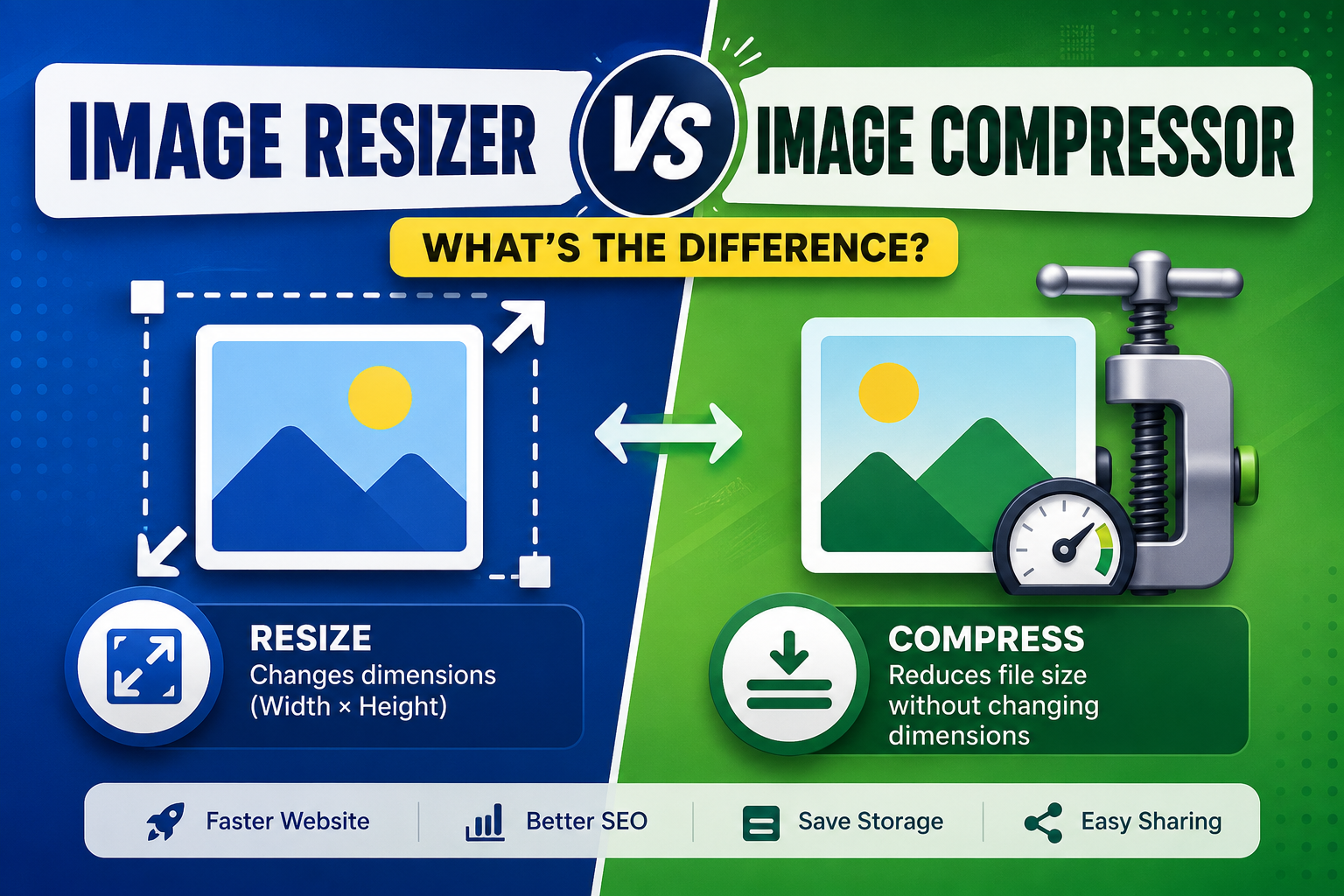
Image Resizer vs Image Compressor: What’s the Difference?
Images are essential for websites, blogs, social media, and online businesses. However, large image files can slow down websites and take up unnecessary storage. This is where image resizers and image compressors become useful.
Many people think these two tools do the same thing, but they serve different purposes. In this guide, you’ll learn the difference between an image resizer and an image compressor, when to use each one, and how they can improve website performance and user experience.
What Is an Image Resizer?
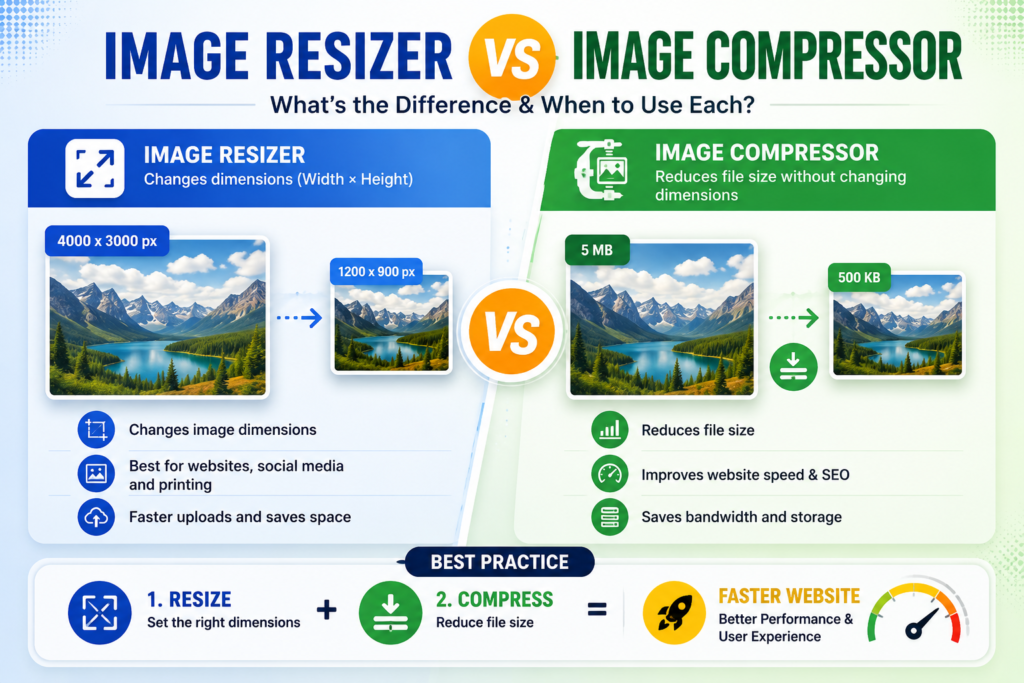
- An image resizer is a tool that changes the width and height of an image. It allows users to make images smaller or larger without creating a new image.
- Image resizers are commonly used for websites, social media, presentations, online forms, and printing. Resizing helps images fit different platforms and devices.
- A large image can be resized before uploading to a website. This reduces loading time and saves storage space. Images can also be enlarged for posters and banners, but too much enlargement may reduce quality.
- Most image resizers maintain the original aspect ratio. This prevents the image from becoming stretched or distorted. Modern tools also preserve image clarity during resizing.
- Image resizers are available as desktop software, mobile apps, and online tools. Overall, they are essential for optimizing images, improving efficiency, and ensuring the correct image size for different purposes.
For example:
- Original Size: 4000 × 3000 pixels
- Resized Image: 1200 × 900 pixels
The image becomes smaller in dimensions, making it suitable for websites, emails, or social media.
Benefits of Image Resizing
- Reduces image dimensions
- Fits images to required sizes
- Faster uploads
- Better display on websites
- Saves storage space
Image Resizers: Common Uses of Image Resizers
- Website banners
- Blog featured images
- Social media posts
- Profile pictures
- Product images
What Is an Image Compressor?
- An image compressor is a tool that reduces the file size of an image without noticeably affecting its quality. It helps save storage space and makes images easier to upload and share.
- Image compressors are commonly used for websites, social media, emails, and mobile apps. Smaller image files load faster and improve website performance.
- There are two types of image compression: lossless and lossy. Lossless compression keeps the original quality, while lossy compression reduces file size by removing some image details.
- Many image compressors allow users to choose the compression level based on their needs. They are available as desktop software, mobile apps, and online tools.
- Overall, an image compressor is an important tool for optimising images, reducing storage space, and improving file-sharing speed while maintaining good image quality.
For example:
- Original File Size: 5 MB
- Compressed File Size: 500 KB
The image dimensions may remain the same, but the file size becomes much smaller.
Benefits of Image Compression
- Faster website loading
- Improved SEO
- Reduced bandwidth usage
- Faster sharing
- More storage space available
Some UseFul Tools
Image Resizer vs Image Compressor
| Feature | Image Resizer | Image Compressor |
|---|---|---|
| Changes Width & Height | ✅ Yes | ❌ No |
| Reduces File Size | Sometimes | ✅ Yes |
| Maintains Original Dimensions | ❌ No | ✅ Usually |
| Best for Websites | ✅ Yes | ✅ Yes |
| Best for Social Media | ✅ Yes | ✅ Yes |
| Improves Loading Speed | Moderate | Excellent |
When Should You Use an Image Resizer?
Use an image resizer when:
- The image is too large for your website
- You need exact dimensions
- Uploading profile pictures
- Creating thumbnails
- Preparing images for social media
Example:
Instagram requires square images, while YouTube thumbnails have a 16:9 aspect ratio. Resizing helps match these requirements.
When Should You Use an Image Compressor?
Use an image compressor when:
- Your website loads slowly
- Images exceed upload limits
- You want better Google PageSpeed scores
- You need to reduce storage usage
- You want faster downloads
Example:
A 4 MB photo can often be compressed to less than 500 KB while maintaining good visual quality.
Can You Use Both Together?
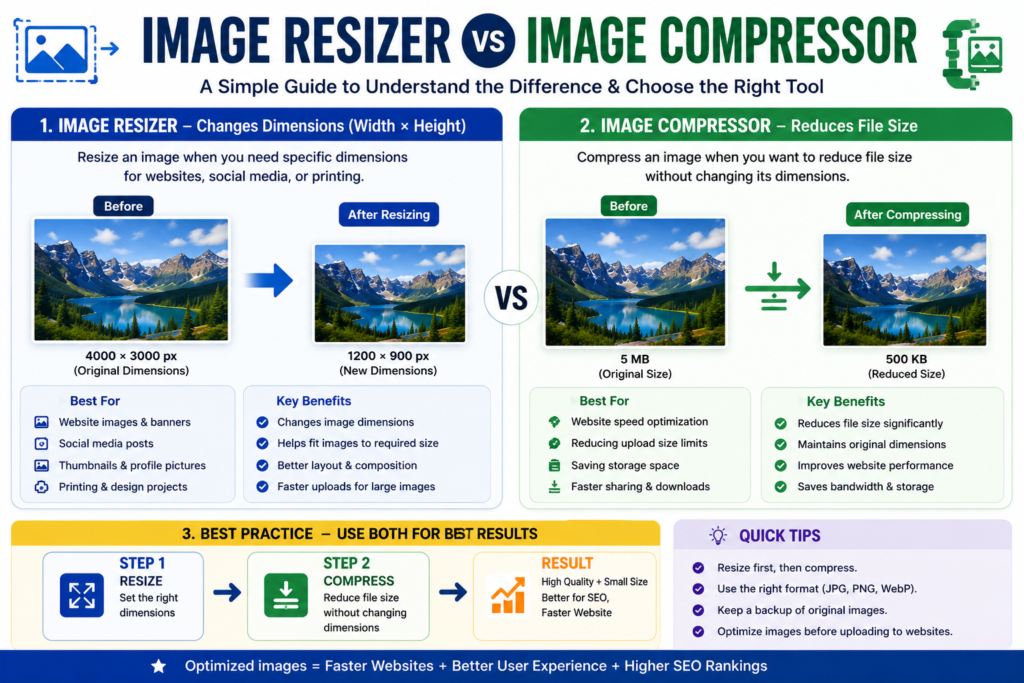
Yes. In fact, this is the best practice.
Step 1
- Resize the image to the required dimensions.
Step 2
- Compress the resized image to reduce file size.
- This combination gives the best balance between image quality and website speed.
Frequently Asked Questions About Image Resizer vs Image Compressor
Does resizing reduce image quality?
- Not necessarily. If done properly, the quality loss is minimal.
Does compression always reduce quality?
- Lossless compression maintains almost the same quality, while lossy compression may slightly reduce quality in exchange for much smaller file sizes.
Which should I use for my website?
For the best results, resize the image first and then compress it before uploading.
Is image compression safe?
Yes. Image compression only reduces file size and does not harm your original image if you keep a backup.