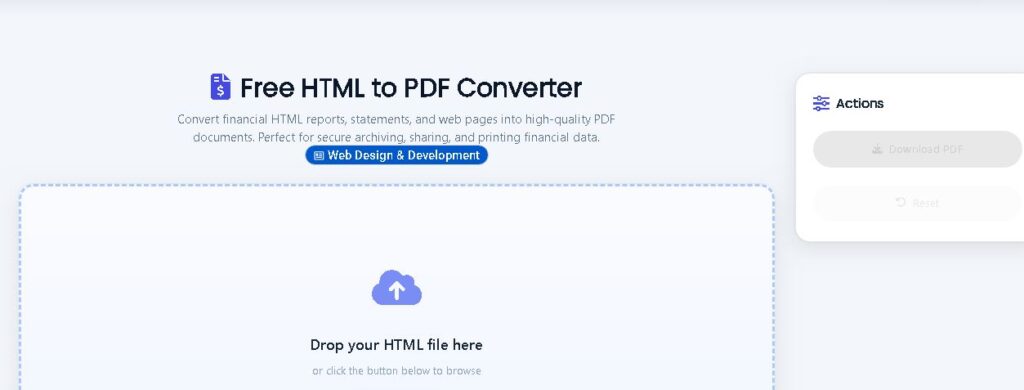
Free HTML to PDF Converter
Convert financial HTML reports, statements, and web pages into high‑quality PDF documents. Perfect for secure archiving, sharing, and printing financial data.
Drop your HTML file here
or click the button below to browse
Supports .html & .htm files
📄 HTML to PDF Converter Guide
Learn how to convert HTML to PDF with free online tools and server‑side libraries.
Why You Need an HTML to PDF Converter
In today’s digital landscape, the ability to convert HTML to PDF is a must‑have skill for developers, marketers, and business owners alike. Whether you’re generating invoices from a web template, saving important articles for offline reading, or archiving entire web pages for compliance, a reliable HTML to PDF converter streamlines the process. Our free PHP‑based converter lets you transform raw HTML code into a high‑quality PDF document instantly – with full control over styling and page options.
Apart from our own tool, several excellent services exist. PDFcrowd provides advanced features like custom headers, footers, and API access. iLovePDF excels in batch processing, while AvePDF offers pixel‑perfect CSS3 rendering. Smallpdf integrates with over 20 PDF tools, and APITemplate provides a REST API for automated PDF generation.
How Server‑Side PHP Conversion Works
Our PHP converter uses the popular Dompdf library. It reads your HTML and CSS, renders the page in a headless environment, and then outputs a PDF file. Because it runs on the server, it can handle external stylesheets, complex layouts, and even some JavaScript (if enabled). You get a professional PDF that closely matches browser rendering.
Benefits of Our PHP HTML to PDF Tool
- Full CSS support – Handles external stylesheets, fonts, and advanced CSS.
- No browser limitations – Works on any device, even without JavaScript.
- Customizable – You can modify paper size, orientation, and margins.
- Free & open‑source – Built on Dompdf, no subscription fees.
- Easy integration – Use the script as a standalone tool or inside your existing project.
Comparing Popular HTML to PDF Converters
While our PHP converter gives you full server‑side control, online services like PDFcrowd and iLovePDF are ideal for quick, no‑setup tasks. If you need exact visual fidelity, AvePDF is a great choice. For business workflows, Smallpdf adds document editing features. Developers building SaaS applications will love APITemplate for its powerful template engine and API.
Common Use Cases
- E‑commerce: Invoices, order confirmations, shipping labels.
- Education: Save online articles, research papers.
- Legal: Archive web pages, terms of service.
- Marketing: Downloadable brochures, whitepapers.
- Development: Generate reports, logs from web apps.
Frequently Asked Questions
Can I convert a live URL to PDF with your PHP tool?
Our tool currently accepts pasted HTML. To convert URLs, you may need to fetch the content with PHP (file_get_contents/cURL) before passing it to Dompdf. Alternative services like PDFcrowd offer direct URL‑to‑PDF features.
Does the converter support JavaScript?
Dompdf renders static HTML and CSS only. Dynamic content generated by JavaScript will not appear. For JS‑heavy pages, consider headless Chrome solutions like Puppeteer.
Are there any file size limits?
PHP’s execution time and memory may limit very large documents. Increase `max_execution_time` and `memory_limit` in php.ini if needed.
Which alternative is best for API integration?
PDFcrowd and APITemplate both offer excellent REST APIs.
Will my PDF look exactly like the browser?
With proper CSS, the output is very close. However, unsupported CSS properties (like `position: fixed`) may differ. Test and tweak as needed.